Free resources / Shopify product import CSV
Free template
Shopify product import CSV, in the current format.
Shopify renamed several CSV columns, and older templates still circulate. The most common trap: the singular Barcode column is now Barcodes, and a file containing both fails to import. This template uses the current headers.
What changed in the current format
The current template uses URL handle instead of Handle, Description instead of Body (HTML), Barcodes instead of Barcode, and Product image URL for images. Shopify still reads older names, but a file can't contain both Barcode and Barcodes.
How variants work
The first row of a product carries the Title, Description, Vendor, and Tags. Each additional variant, like a 24-pack, repeats the URL handle and fills only the variant columns. A product with a single variant uses Title and Default Title as its option.
Barcodes and weights
Barcodes can carry a type prefix, such as upc: for a 12-digit UPC or gtin: for a 14-digit GTIN. Weight value is in whole grams, whatever unit you display.
Columns in this template
TitleURL handleDescriptionVendorTypeTagsStatusSKUBarcodesOption1 nameOption1 valuePriceCost per itemWeight value (grams)Weight unit for displayProduct image URL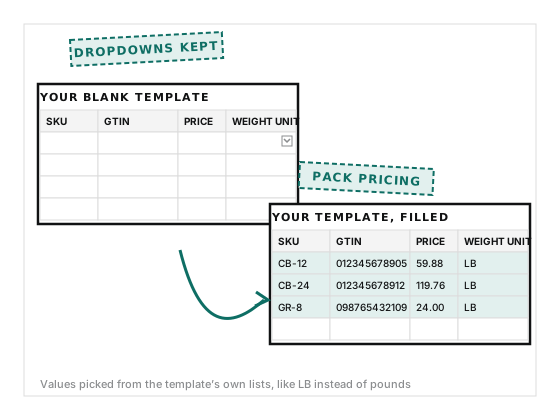
Free for 3 products, no card
Or let SKU Clear fill it for you
SKU Clear generates this file from your catalog in one click: every pack size as a variant, barcodes typed, weights converted to grams, pack pricing applied, and every product imported as a draft.